
Fooocus-style studio · in your browser
Fooocus online alternative: Fooocus-style AI images, no install
Type a prompt, mix styles, pick Speed or Quality, then vary, upscale, inpaint or outpaint any image. No GPU, no Colab session, nothing to set up. New accounts get 25 free credits once, after verifying their email address. One Nano Banana 2.1 image costs 25 credits.
Independent web generator inspired by Fooocus's simple workflow. Not the Fooocus software and not affiliated with lllyasviel or the Fooocus project.
The free credits cover one Nano Banana 2.1 image (25 credits). No watermark.
Open Tools on any image to vary, upscale, inpaint, outpaint, use it as an image prompt or describe it. A re-run with the same settings makes a new take, not the identical image.
- 25 credits a Speed image
- 1 to 4 images a prompt
- No watermark
- Private, kept 30 days
Controls
The Fooocus controls you know, and what runs them here
If you have used Fooocus, the layout will feel familiar. Here is each control, what this studio does with it, and the model behind it. Where a control has no match on these models, it says so.
| In Fooocus | On Fooocus.app | Behind it |
|---|---|---|
| Performance: Speed or Quality | Speed or Quality | Speed: Nano Banana 2.1 at 1K, 25 credits. Quality: GPT Image 2 at 2K, 61 credits. |
| Styles, with Fooocus V2 expansion | Up to 6 of 24 styles, prompt expansion on or off | Our own style wording, added to your prompt. |
| Default, Realistic and Anime presets | Looks: Everyday, Photo, Anime | One-tap style bundles; no checkpoints to switch. |
| Aspect ratios and image number | 7 ratios, 1 to 4 images | 1:1, 3:2, 2:3, 4:3, 3:4, 16:9, 9:16. Each image is its own job. |
| Negative prompt | Avoid | Folded into the prompt as a strong hint. |
| Vary (Subtle) and Vary (Strong) | Vary: Subtle or Strong | Nano Banana 2.1 image editing. |
| Upscale 1.5x, 2x and Fast 2x | Upscale: 1.5x, 2x or Fast 2x | Dedicated upscaling models. |
| Inpaint and Outpaint | Inpaint with a brush; Outpaint left, right, up or down | Your original is pasted back outside the edit. |
| Image Prompt and Describe | Image Prompt and Describe | A reference image guides a new one; Describe writes a prompt from an image. |
| Seed, sampler, guidance, LoRAs, refiner | Not available | These models don't expose them; a re-run is a new take. |
Made here
Images made in this studio, with their settings
Each picture below was made on this site. Its prompt, styles and Performance setting are shown, so you can load them and make your own take.
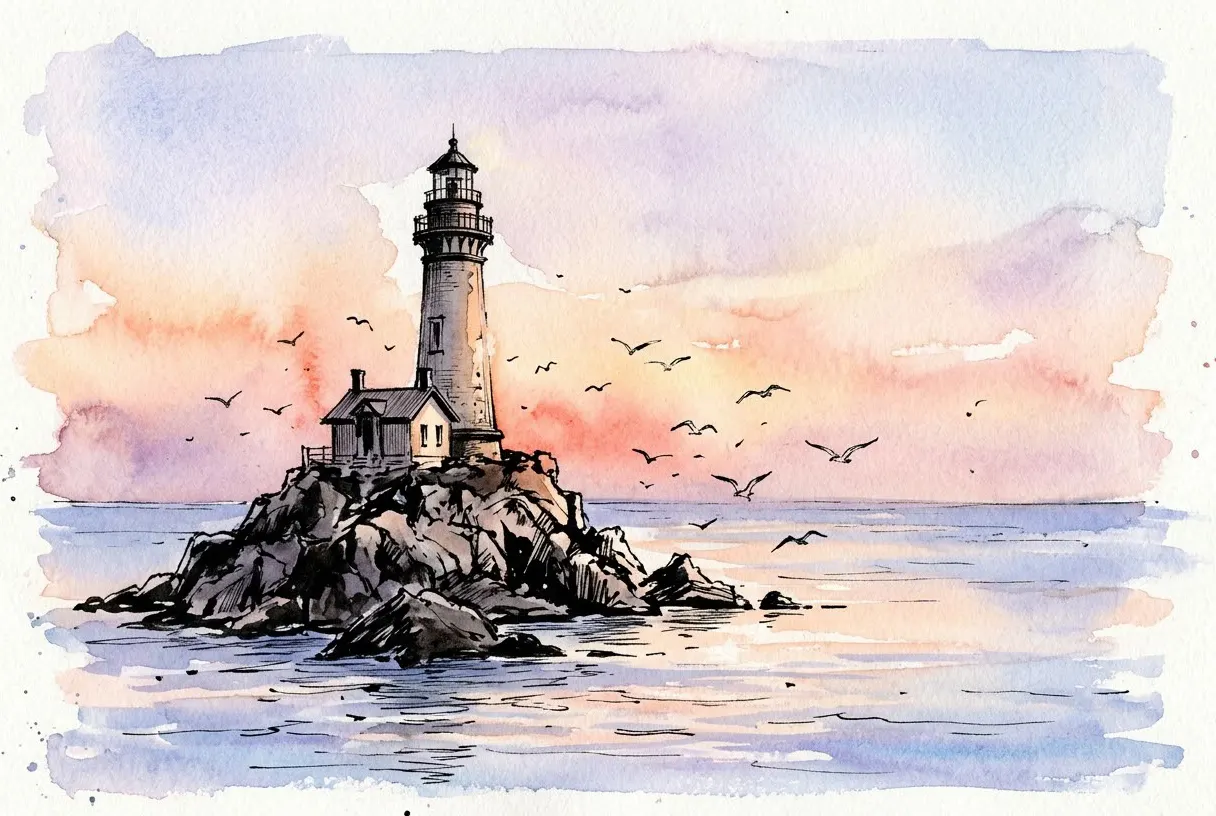
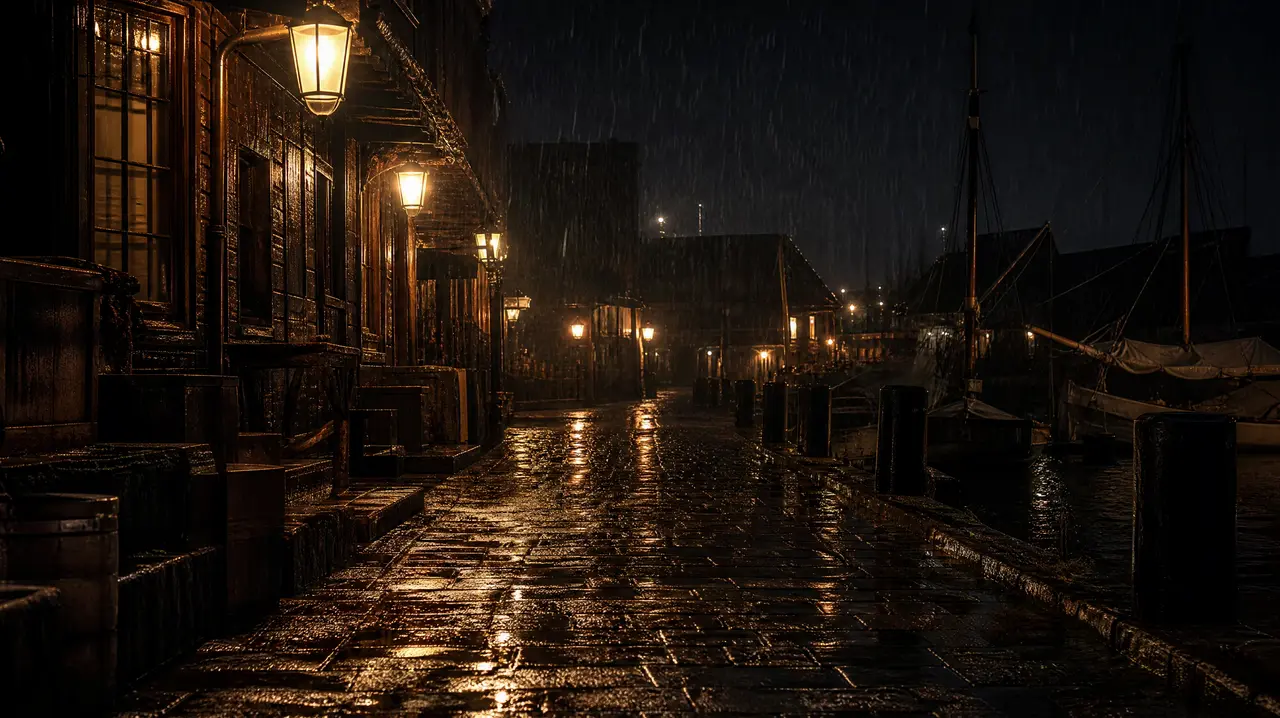
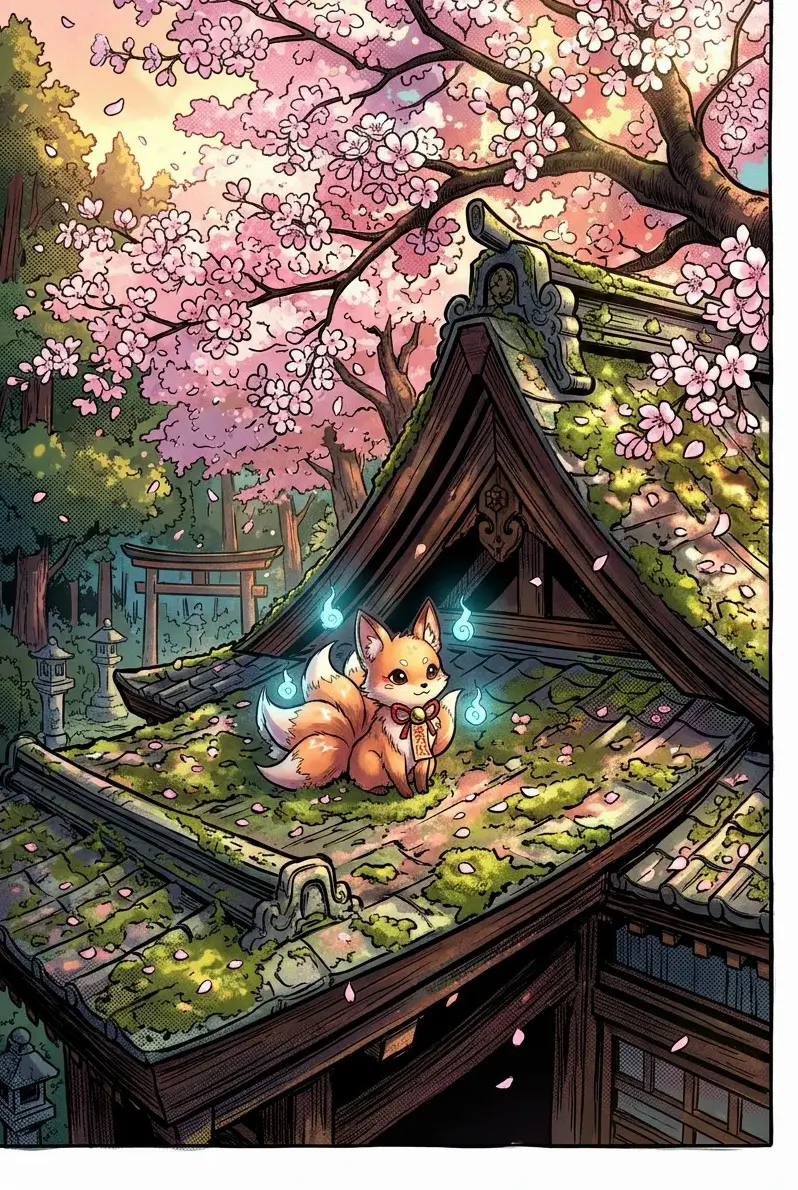

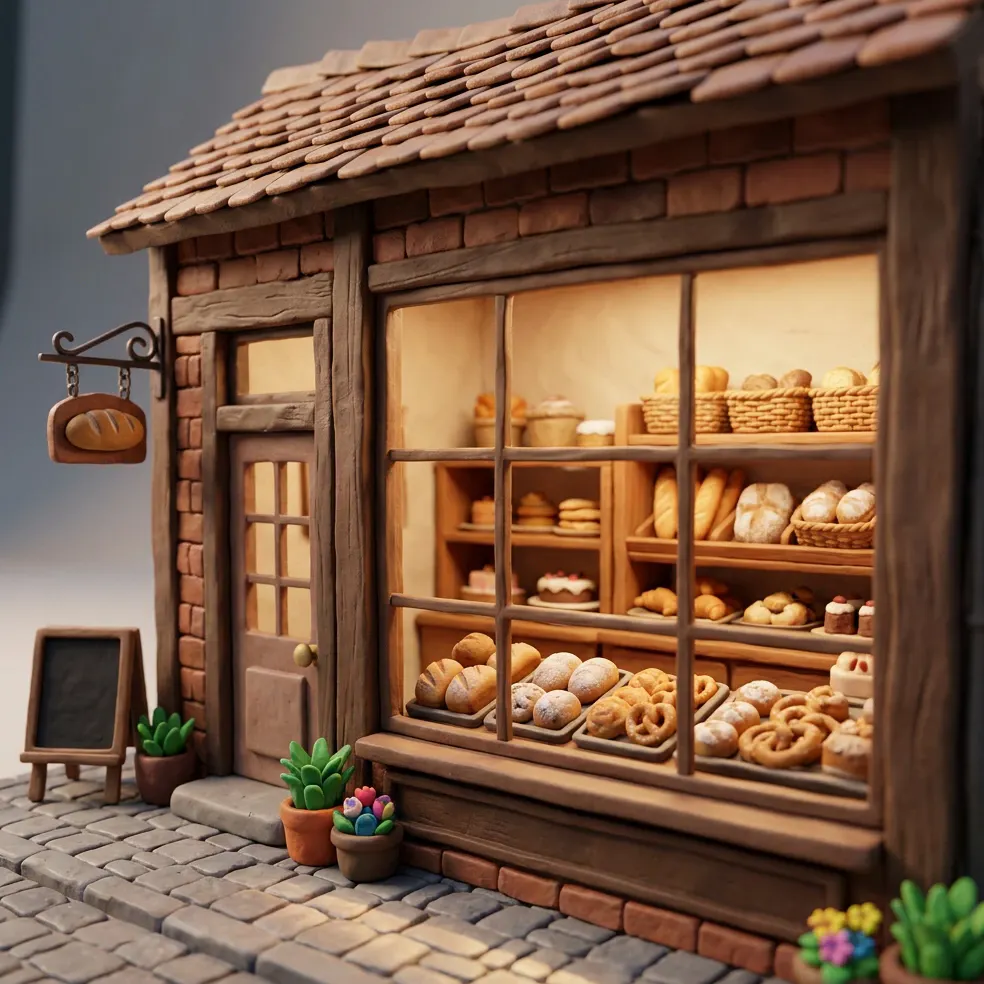
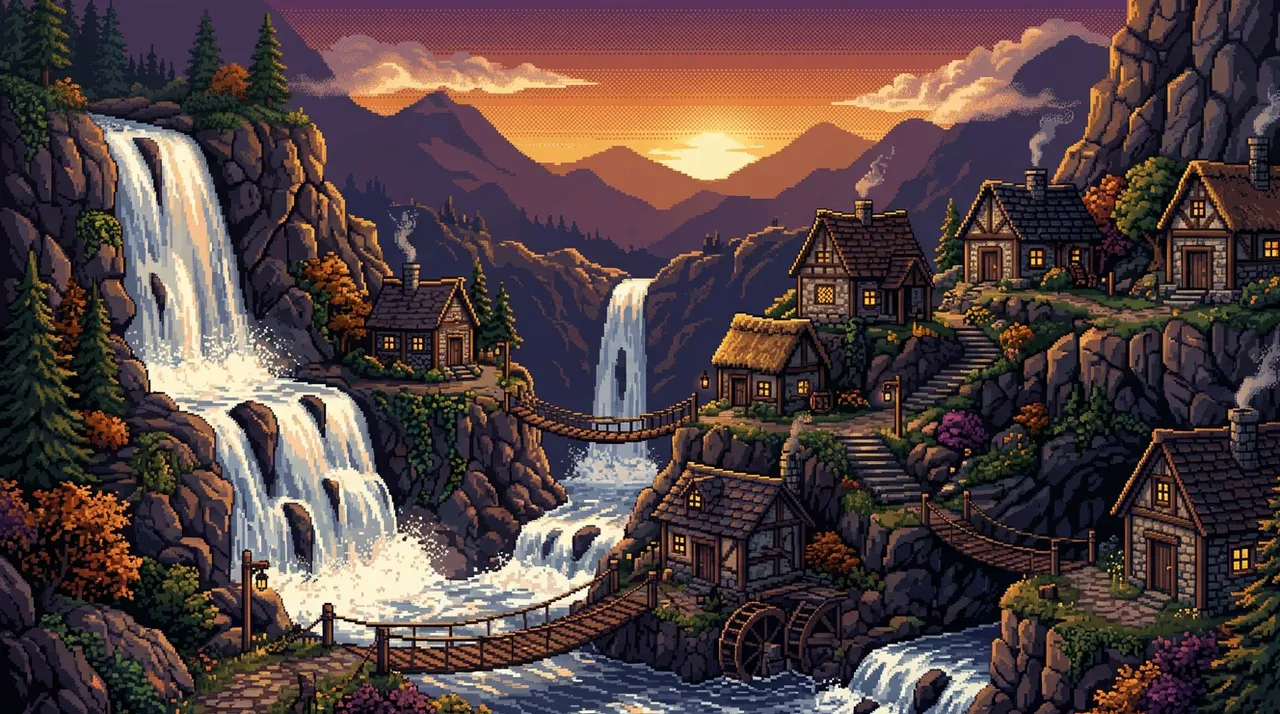
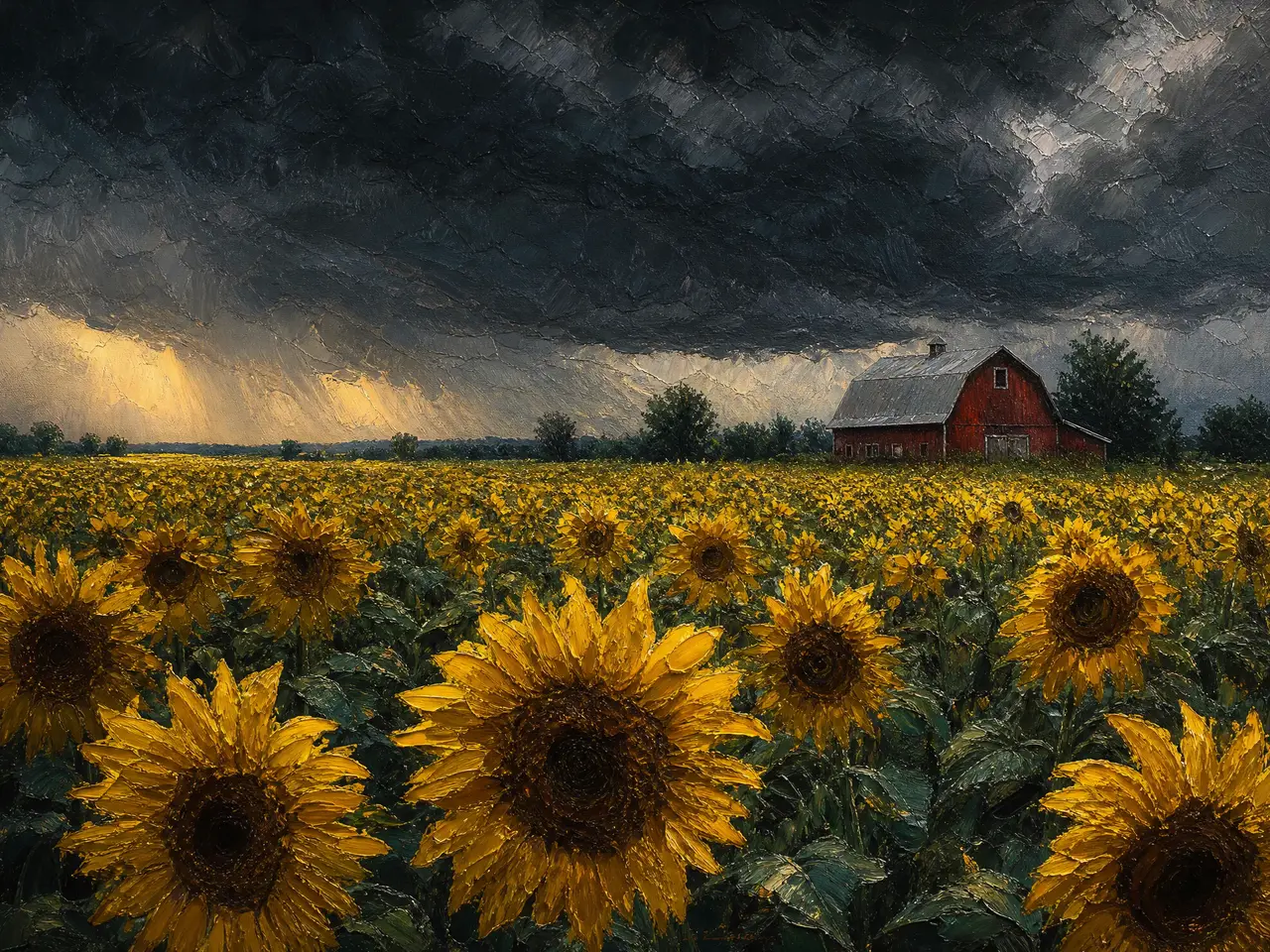
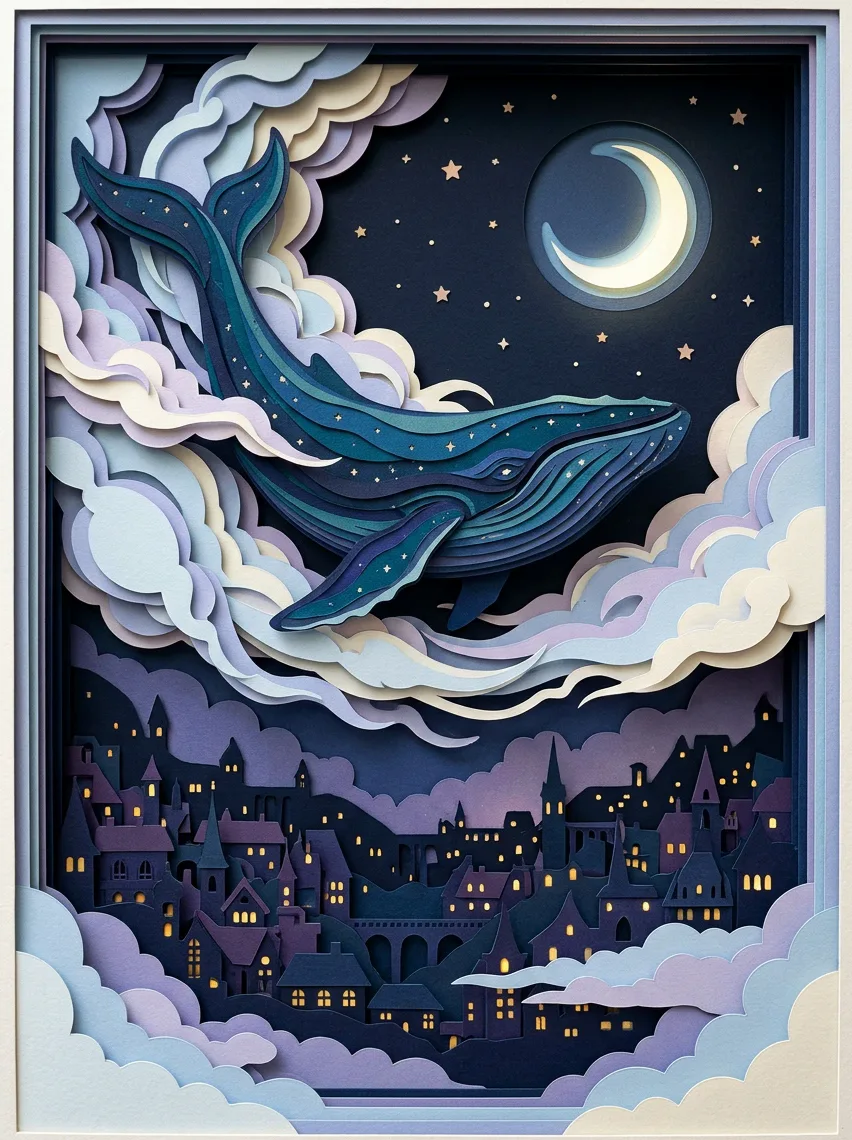
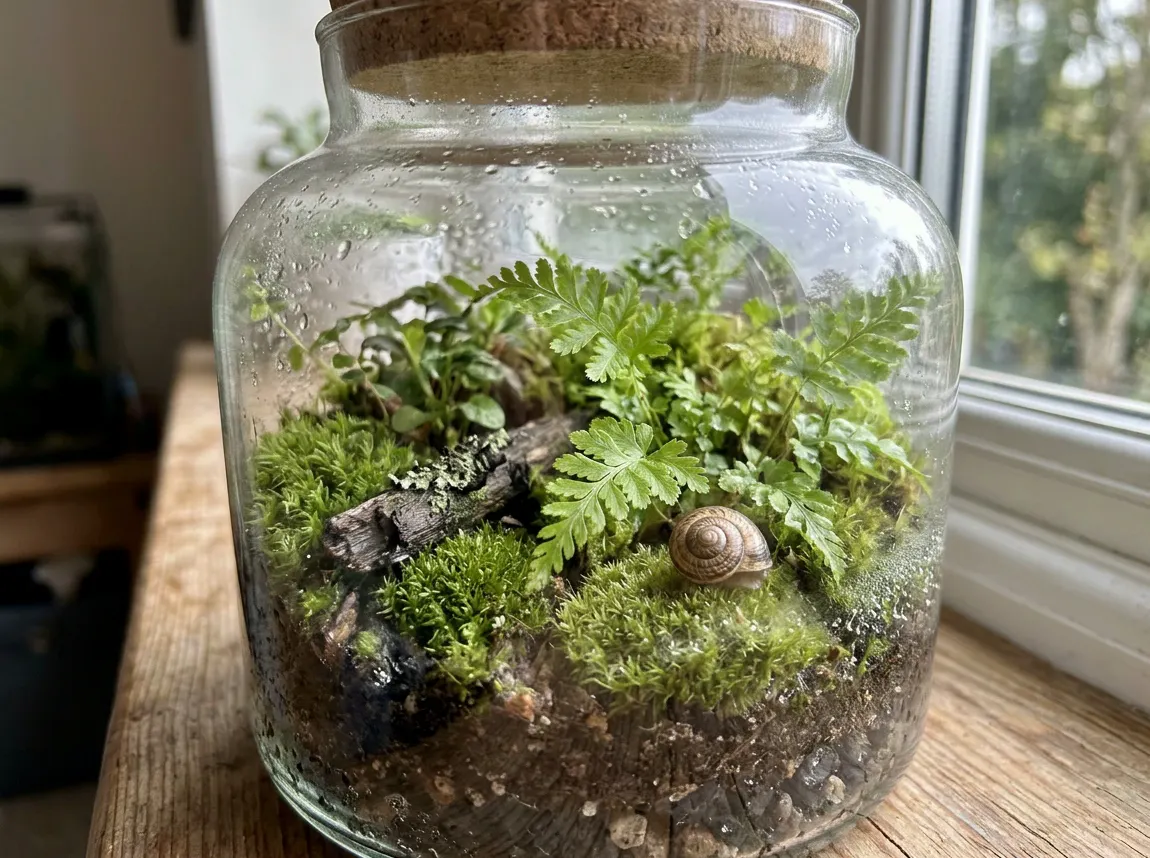
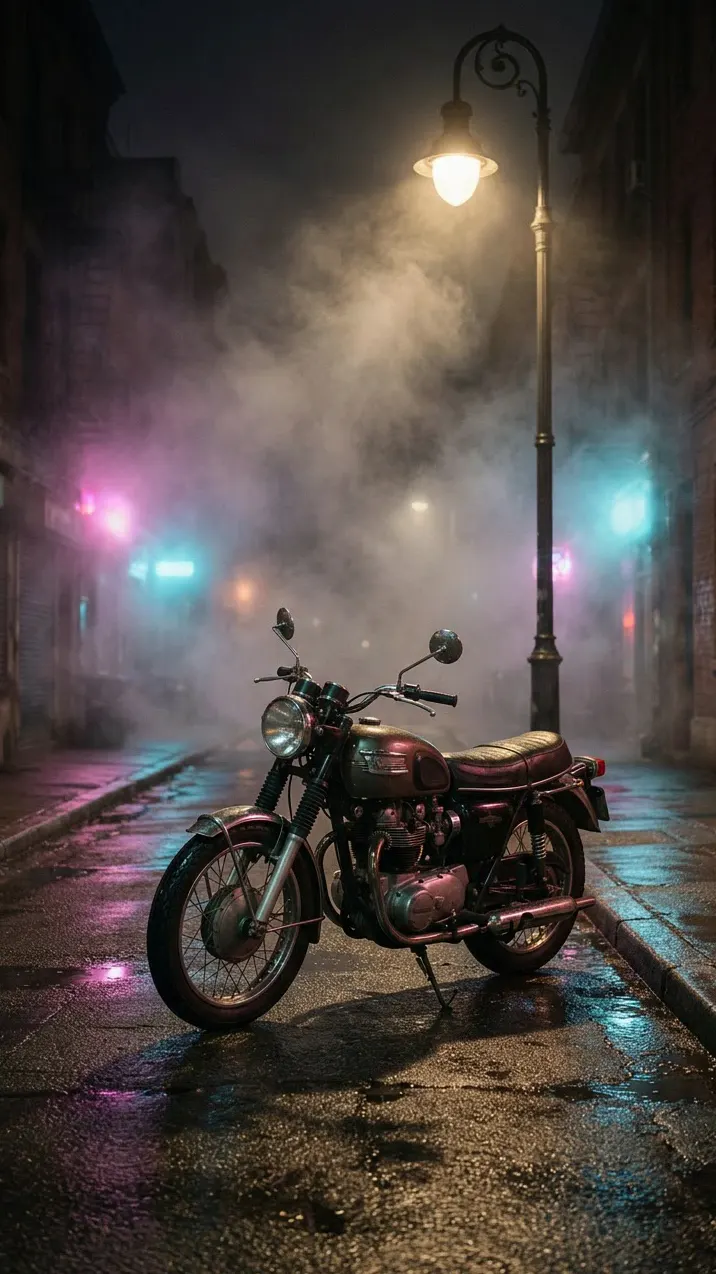
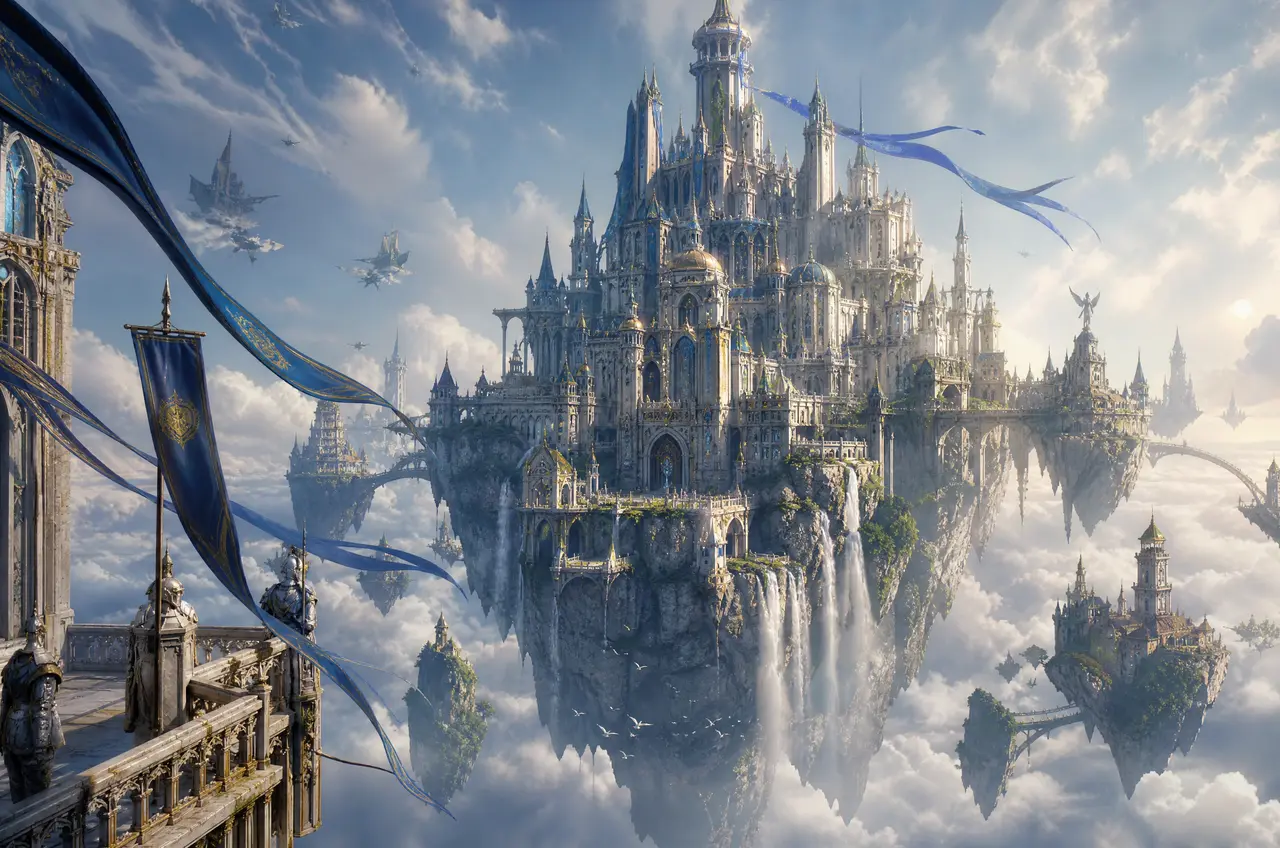
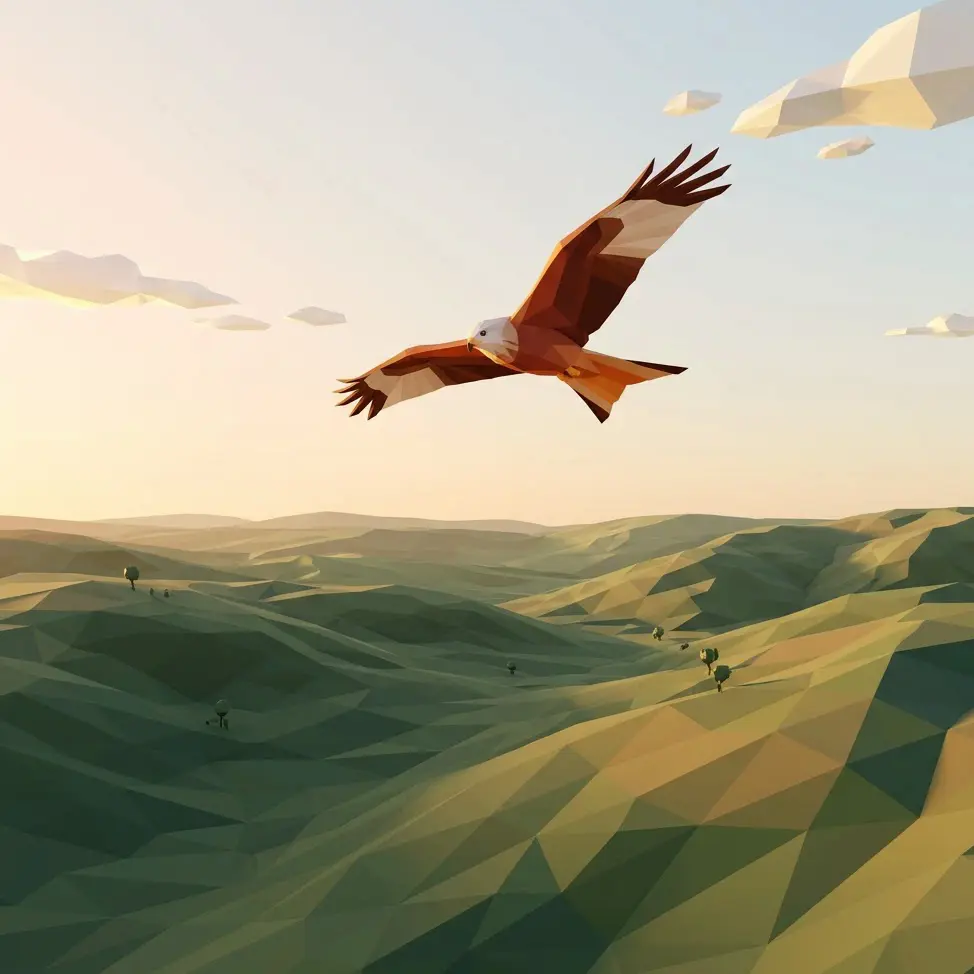
Image tools
Every image tool, priced before you run it
Open Tools on any picture you made or uploaded. The price depends on the picture's size and shows before you run; a failed run returns its credits.
| Tool | What it does | Credits |
|---|---|---|
| Vary | A close or a looser new take on the same image. | 25–37 |
| Upscale | 1.5x or 2x larger; Fast 2x for crisp edges in seconds. | 10–24 · 8 |
| Inpaint | Brush an area and say what goes there. | 25–37 |
| Outpaint | Extend one side by half the picture's width or height. | 25–37 |
| Image Prompt | Make a new image of your prompt in this image's style. | 25 |
| Describe | Turn an image into a prompt you can reuse. | 4 |
How it works
How to use this Fooocus alternative
The same three moves as Fooocus: write, pick, refine. Every choice shows its price in credits before you generate.
- 01
Write a prompt and pick styles
Describe the picture in plain words, then tap a look or mix up to 6 styles. Prompt expansion fills in light and detail unless you turn it off.
- 02
Choose Speed or Quality
Speed makes a 1K image for 25 credits; Quality makes a 2K image for 61. Pick a ratio and 1 to 4 images, then generate.
- 03
Refine with the tools
Vary, upscale, inpaint, outpaint, use the image as a prompt or describe it. Edits stack, and everything is saved privately to Creations.
Guides
Running the real Fooocus? Start with these guides
Honest how-tos for the Fooocus software itself, from the official sources, with the browser route next to each.
Pricing
Plans and credits for the Fooocus-style studio
New accounts get 25 free credits once, after verifying their email address. One Nano Banana 2.1 image costs 25 credits. Pick a plan for a fresh allowance each month, a team plan with one shared pool, or a pack that never expires.
- All 24 styles, up to 6 per image
- 1 to 4 images a prompt, every ratio
- Private results, no watermark
- Use it from Claude, ChatGPT or Cursor (MCP)
- Plan credits last 31 days; pack credits never expire
Cancel any time · first payment refundable within 5 days
First Render
For trying styles and finishing a few images a week.
$7.69/ month
1,935 credits a month
≈ 77 on Speed or 31 on Quality
Style Mixer
PopularFor regular renders with edits and upscales.
$16.55/ month
4,345 credits a month
≈ 173 on Speed or 71 on Quality
Night Shift
For long sessions and big batches.
$37.05/ month
10,290 credits a month
≈ 411 on Speed or 168 on Quality
What a credit buys
Every credit works on every job. Tool prices depend on the picture's size and show before you run; a job that fails costs nothing.
| Job | Credits |
|---|---|
| Speed · Nano Banana 2.1 1K | 25 |
| Quality · GPT Image 2 2K | 61 |
| Vary | 25–37 |
| Inpaint | 25–37 |
| Outpaint | 25–37 |
| Image Prompt | 25 |
| Upscale | 10–24 |
| Describe | 4 |
| Upscale · Fast 2x | 8 |
Changed your mind? Packs can be refunded within 14 days and a plan's first payment within 5 days, while no more than 10% of the credits are used; the unused part is refunded.
FAQ
Questions about this Fooocus alternative
Is Fooocus.app free to try?
Yes, you can try it for free. New accounts get 25 free credits once, after verifying their email address. One Speed image costs 25 credits, and no image carries a watermark. Packs and plans add credits when you need more.
Is this the official Fooocus website?
No. Fooocus.app is an independent web generator inspired by Fooocus's simple workflow. It is not the Fooocus software and does not run it; images are made with Nano Banana 2.1 and GPT Image 2. The official Fooocus is free and open source on github.com/lllyasviel/Fooocus. Fooocus is a trademark of its owner.
Is this one of the fake sites the Fooocus readme warns about?
The readme warns about sites pretending to be Fooocus. Fooocus.app never claims to be Fooocus or to offer it: it says what it is on every page, runs its own models, and points to the official GitHub for the real software.
Can I download Fooocus here?
No. Fooocus is only available from its official GitHub release. The install guide on this site walks through it, from the Windows file to the Linux and Mac steps.
Which models make the images?
Speed uses Nano Banana 2.1 (Google) at 1K and Quality uses GPT Image 2 (OpenAI) at 2K. Vary, Inpaint, Outpaint and Image Prompt use Nano Banana 2.1 image editing; Upscale uses dedicated upscaling models.
Does it have seeds, samplers, guidance or LoRAs?
No. The models here don't expose seeds, samplers, guidance, sharpness, refiners or LoRAs, so a re-run with the same settings gives a new take rather than the identical image.
How many images can I make at once, and in which ratios?
From 1 to 4 per prompt, in 1:1, 3:2, 2:3, 4:3, 3:4, 16:9, 9:16. Each image is charged and, if it fails, refunded on its own.
Can I use my own photos?
Yes: JPG, PNG or WebP up to 10 MB, at least 300 px a side, for any tool. Photos of real people's faces, minors and public figures are refused.
Are my prompts and images private?
Yes. There is no public gallery: images sit behind private links and are deleted automatically 30 days after the job. You can delete any image sooner in Creations.
Is the Fooocus software free and non-commercial?
Yes, Fooocus itself is free, open-source, offline software. Fooocus.app is a separate paid service with its own Terms, and it is not affiliated with the Fooocus project.
Last updated: